
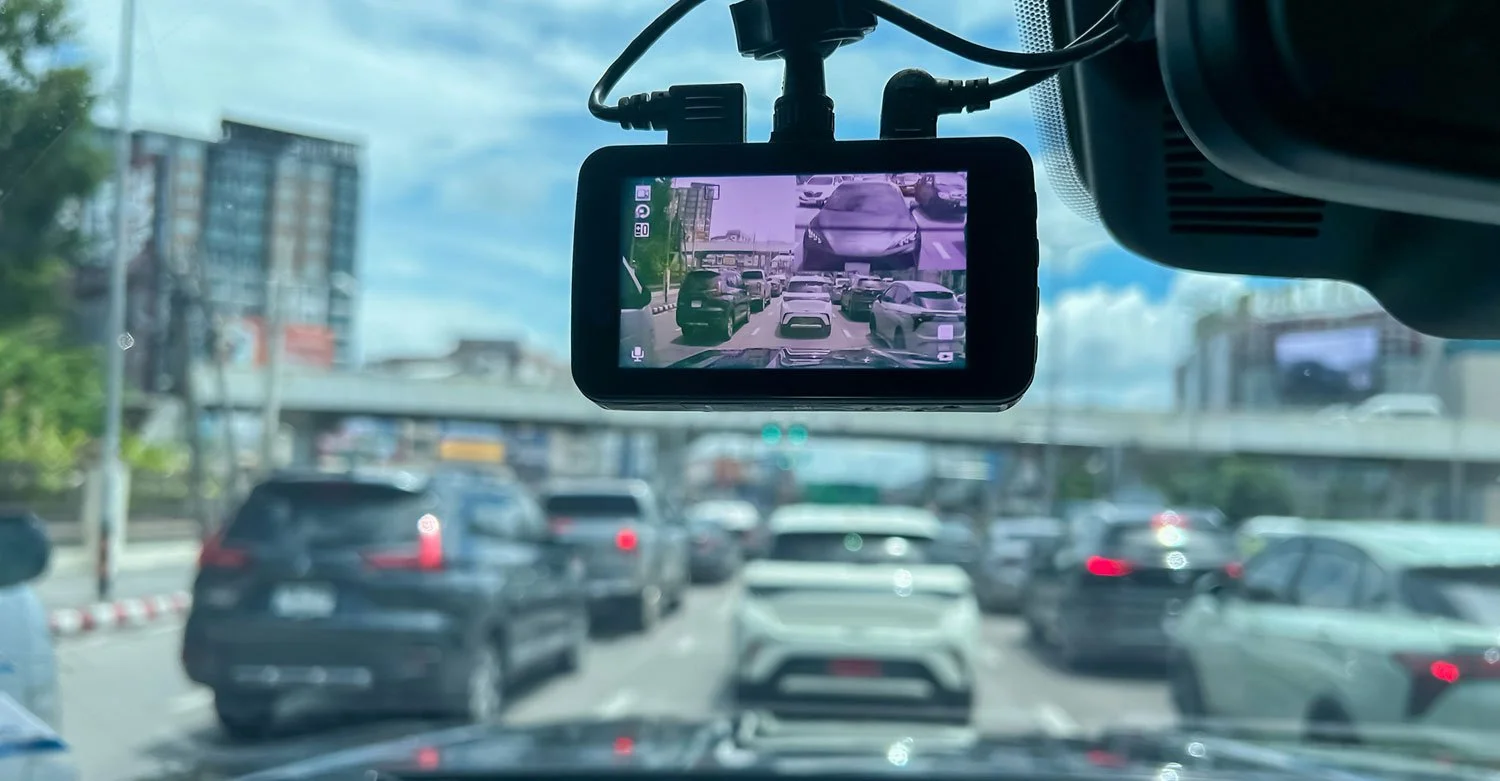
Dash cameras—commonly called dash cams—have become indispensable tools for motor carriers. They offer a window into what happens on the road and provide crucial video evidence when incidents occur. But for companies using dash cams with removable SD cards, dependable performance takes more than just installation. These systems need consistent attention to make sure they’re recording properly and saving footage as intended, and any critical video is pulled and preserved.
Keep Dash Cams Working with Routine Testing
When it comes to SD‑card‑based dash cams, regular testing is one of the most important and often most overlooked tasks.
A practical approach is to build camera checks into every pre-trip inspection. That means making sure the device is powered on, firmly mounted, and aimed correctly for a clear view of the road, and that both the lens and windshield are clean. Any warning lights or error messages should be dealt with immediately to ensure no footage is missed.
You should also perform deeper, periodic tests. These help catch issues like incorrect recording settings, corrupted SD cards, loose or damaged wiring, or failing lenses before they lead to lost video. In addition, remember to stay on top of firmware updates and install them as recommended to keep the system running smoothly.
Set a Clear SD Card Maintenance Schedule
Even the best SD cards have limited lifespans. Constant overwriting, heat, vibration, and everyday wear can eventually corrupt files or cause complete card failure. To minimize that risk, you should set a clear schedule for reviewing, formatting, and replacing SD cards. A solid plan might include:
Biweekly card pulls to confirm footage is complete, clear, and properly timestamped
Monthly SD card formatting to keep recording performance at its best
Routine card replacement—usually every 6–12 months— based on manufacturer recommendations, even if the card seems fine
Note: Warning signs that a card may need to be replaced sooner include sluggish camera performance; SD card error messages; or footage that’s blurry, incomplete, or contains gaps.
Have a Plan for Securing Footage After an Incident
In the event of an accident or claim, it is vital that the footage is secured before it’s overwritten. SD‑card systems often record on a loop, so valuable video can disappear in a matter of days. You should have a clear, written plan that spells out exactly how incident‑related footage is retrieved from the dash cam and who is responsible for doing it.
That plan should prioritize three things: reporting the incident to your insurance provider immediately, pulling the video promptly, and making sure the footage is saved somewhere safe. Insurers often have specific instructions for how video evidence should be handled, and early reporting helps avoid delays and complications later. Looping in your insurance broker can also streamline communication and documentation.
In addition, remember to keep backup SD cards on hand so whenever a card is pulled from a dash cam after an incident, another one is available to immediately replace it.
Don’t Let Critical Footage Slip Away
Dash cams can only do their job if the maintenance behind them is solid. Staying on top of routine testing, following a consistent SD‑card maintenance schedule, and having a clear plan for securing footage after an incident will dramatically improve the chances that important video is available when it matters most.
